Features
The reshoot you were quoting for stops being necessary
Recasting a shot has always meant either getting everyone back on set or paying an artist to roto the character out frame by frame. Both cost days and a budget line. Here it's an upload and a few minutes of render, which changes what you can afford when a client asks for one more version.
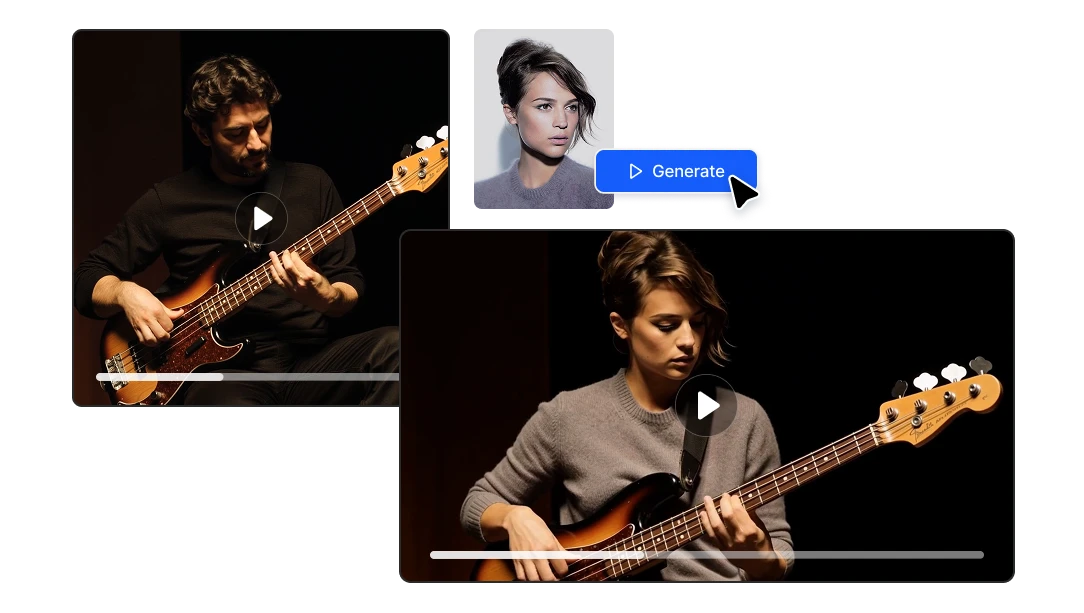
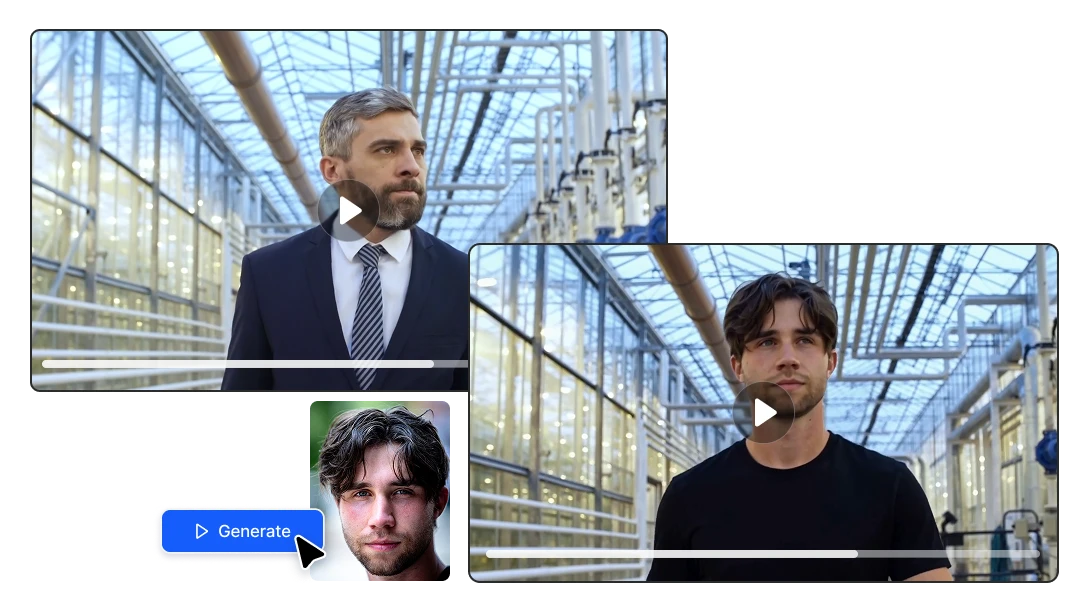
One take becomes every version you need
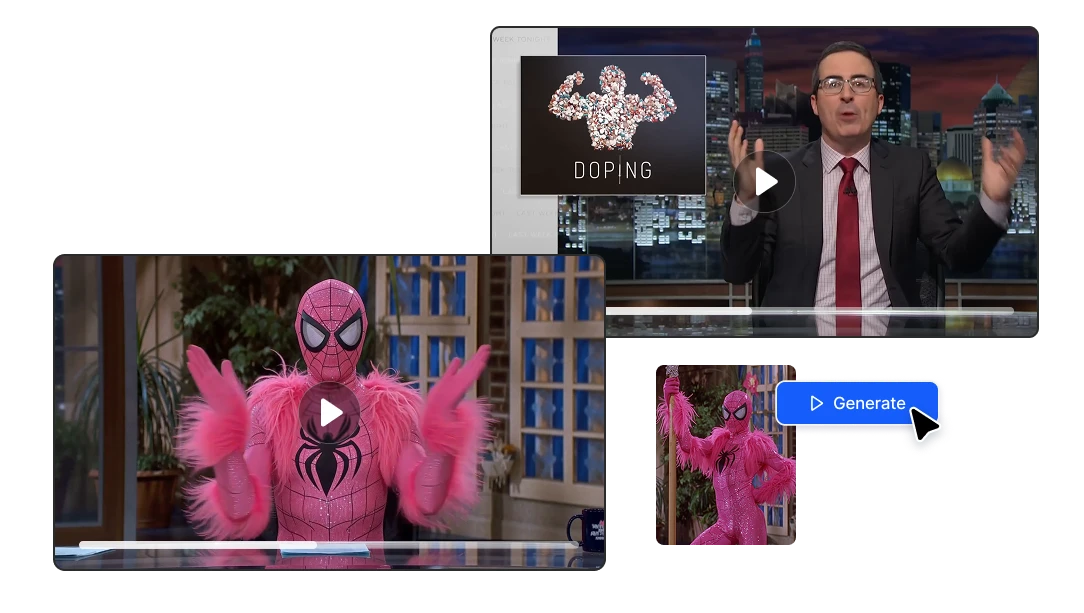
Localise a campaign by changing the on-screen talent per market. Run the same ad with three different presenters and let the numbers decide. Update a cinematic when the character design changes without rebuilding the scene. The expensive part — the performance — gets produced once and reused.
Benefits
Four models, two different ways to make the swap
MiniMax H3 and Kling O3 (Pro and Standard) regenerate the scene around your character and produce synchronized audio with it. Wan Character Replace works the other way, compositing your character into the footage you already have and matching its lighting and colour tone, so backgrounds, props and camera work survive untouched.
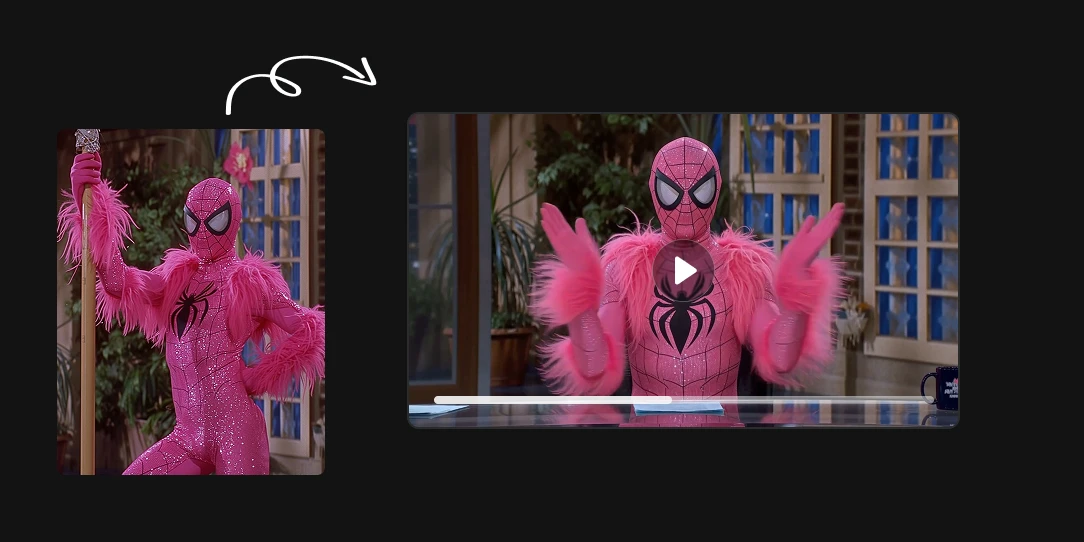
One photo is the entire casting process
An agency can shoot a single reference take with anyone available and drop the client's brand character, mascot or spokesperson into it afterwards. A game or 3D studio can block out a cinematic with a stand-in and swap the final character in once modelling is done.
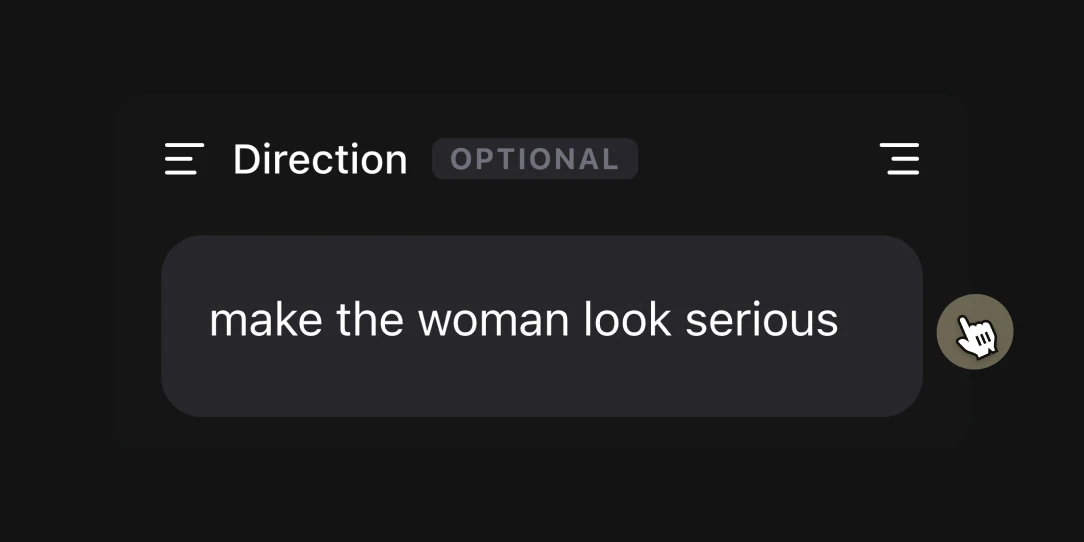
Optional text direction for the things a photo can't show
The reference image handles identity: face, hair, build. The prompt field handles everything else: how the character should sit in the frame, which elements of the original shot must not change. It's optional, and short clips with a clean reference usually don't need it, but on trickier shots maybe you will need it
How to replace character in video using AI
Upload your source clip
Any video 15 seconds or shorter works. The cleaner the shot the better the result, so pick a take where the person you're replacing is clearly visible and reasonably well lit.
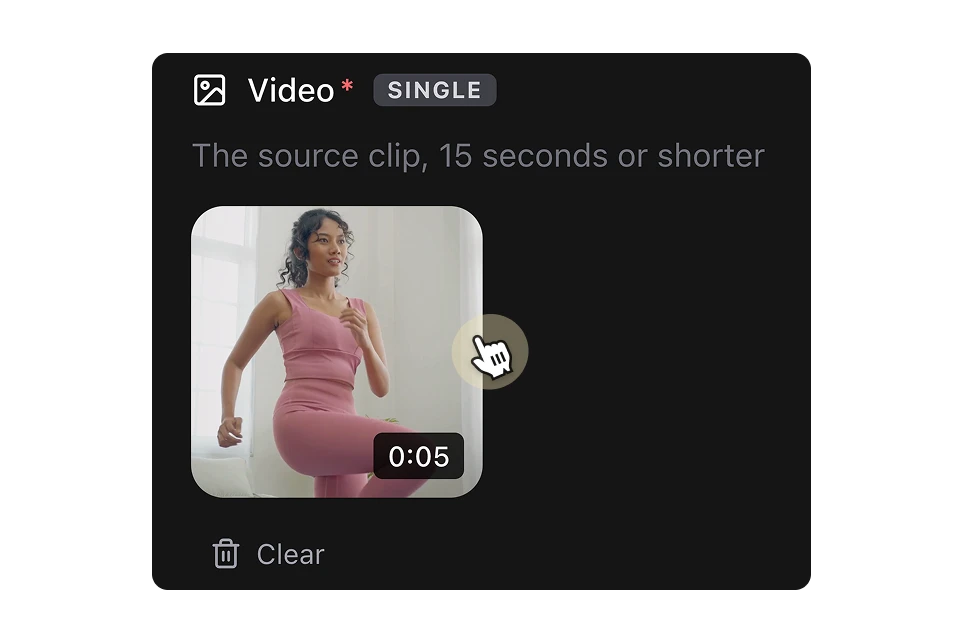
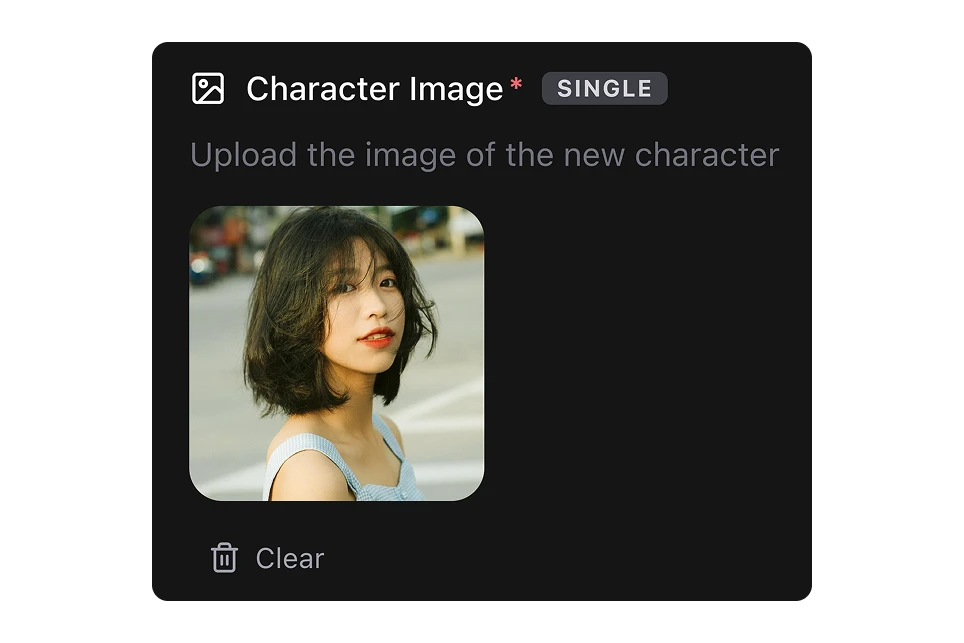
Add a photo of the new character
One clear image of the character who's taking over: face visible, hair recognisable, nothing covering them.
Choose a model, add direction if you need it, and run
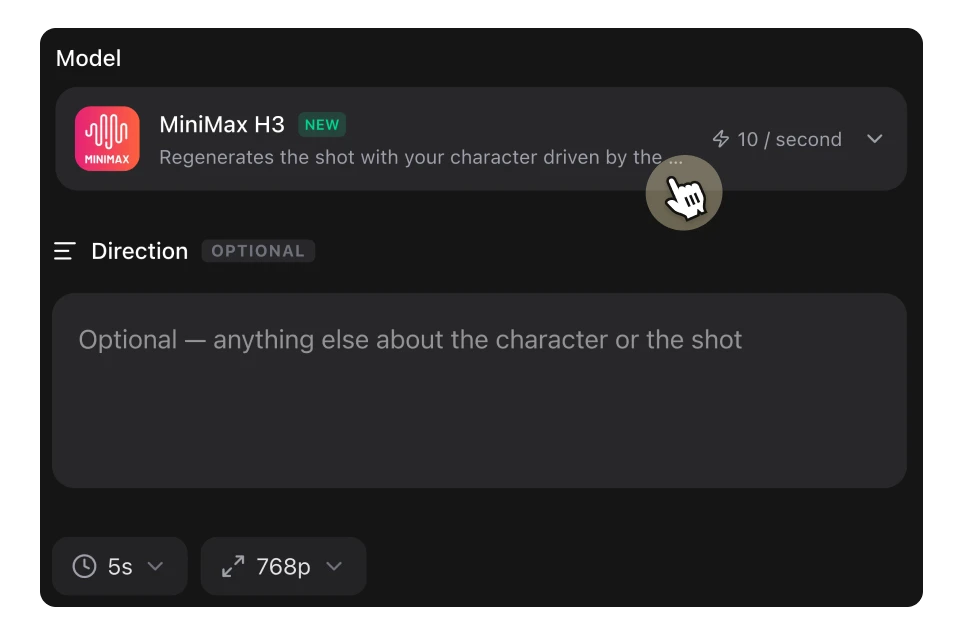
Pick between MiniMax H3, Kling O3 Pro, Kling O3 Standard and Wan Character Replace, optionally type a line of direction about the character or the shot, and generate.
FAQs
It's a way of changing who appears in a video without refilming it. You give the AI a source clip and a still image of a different character, and it produces the same shot performed by that character — same movement, same timing, same framing. The industry also calls it character swap, character replace or video-to-video character transfer.
A face swap only changes the face and leaves the original body, posture and clothing in place, which is why it falls apart the moment someone turns their head. Character replacement replaces the whole character — face, hair, build and wardrobe — and re-derives them from the source performance frame by frame, so the result holds up through movement.
Up to 15 seconds per generation, depending on your original video. Longer sequences are best handled shot by shot, which is how you'd cut them anyway. If you're testing a new character, run five seconds first and check the likeness before committing the full clip.
Wan Character Replace when the original footage matters most and you want the background, props and lighting preserved exactly. MiniMax H3 or Kling O3 when the character differs enough from the original performer that the shot needs rebuilding around them, or when you want generated audio in step with the new performance. Kling O3 Pro renders at the higher resolution; Standard is the faster, cheaper pass for drafts and client previews.
A single well-lit image with the face clearly visible, the hairstyle recognisable and nothing obscuring the head. Match the framing to how the character will appear in the shot — a tight portrait for a close-up, a full-body image for a wide. Keep the character's proportions reasonably close to the original performer's. More references aren't automatically better; contradictory ones make the likeness drift.
That's identity drift, and it usually traces back to the reference rather than the model. Weak or low-resolution images, a reference framed much tighter or wider than the shot, or several references that disagree with each other all pull the result back toward the source. Fast motion and long clips make it more likely, which is another argument for keeping shots short.
MiniMax H3 and Kling O3 generate audio synchronized to the regenerated performance, including lip sync. Wan Character Replace composites into your existing footage, so the original audio track stays as it is.
Results are best with a single clearly visible subject. In a scene with several people, the AI needs the character being replaced to be unambiguous, so shots where the subject is centred and unobstructed work far more reliably than crowded ones.
Yes. The reference doesn't have to be a photograph of a real person — game assets, renders, illustrated mascots and avatars all work, which is exactly the workflow for swapping a placeholder character out of a cinematic once the final design lands.
Yes, output from Artificial Studio is yours to use in client and commercial work. Do bear in mind that using a real, identifiable person's likeness is a separate question from what the tool allows — right-of-publicity and likeness laws apply the same way they would to any footage, so get permission before you put a real person in a video they didn't agree to appear in.
Yes. Character replacement is available through the Artificial Studio API alongside our other 60+ tools, so you can run swaps programmatically or build them into your own product without hosting the models yourself.
Character replacement is priced in credits per second of output, and the rate depends on which of the four models you pick. You can run your first swaps on the free plan before deciding.