MiniMax H3 — Finished 15 second ads with one prompt
MiniMax H3 doesn't just generate video. It generates the picture, the dialogue, the sound effects and the room tone in the same pass, up to 2K, up to 15 seconds. Motion graphics, product ads, 3D shorts, game intros, music videos, stop-motion, and more!
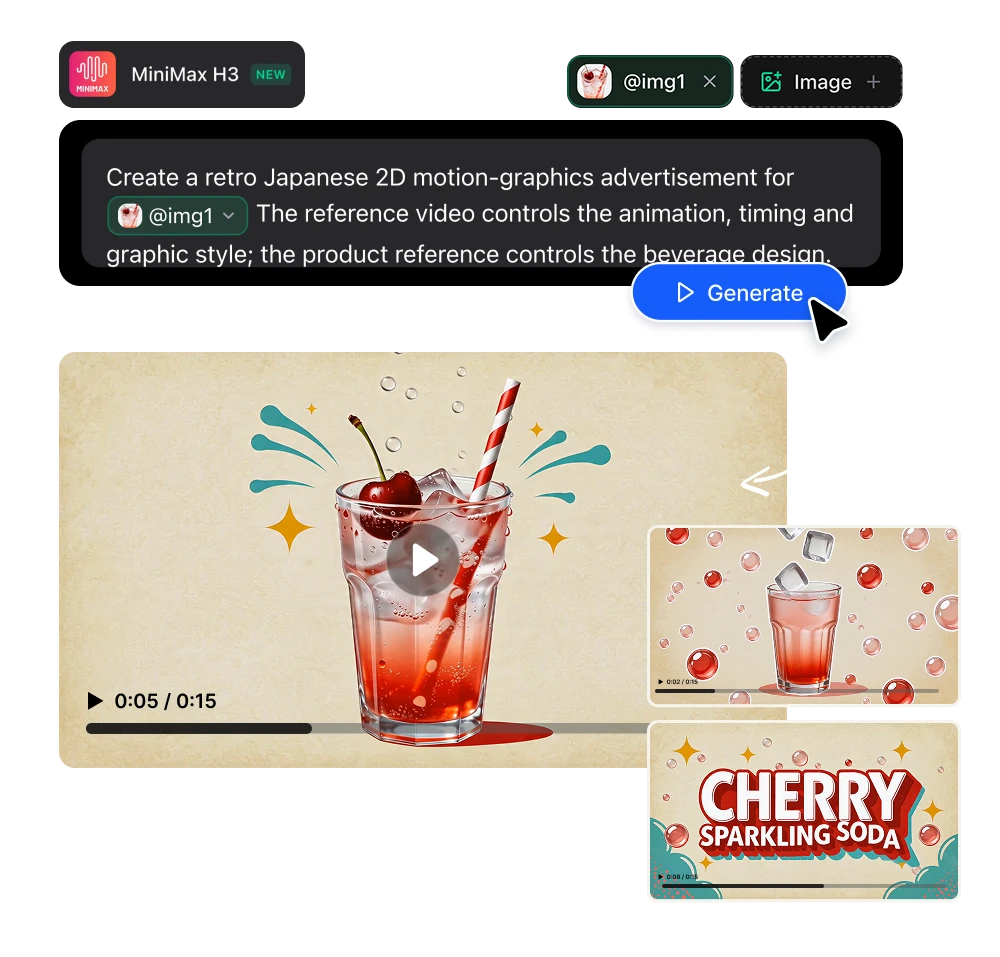
MiniMax H3 works with one prompt in. A finished 15-second video with sound.
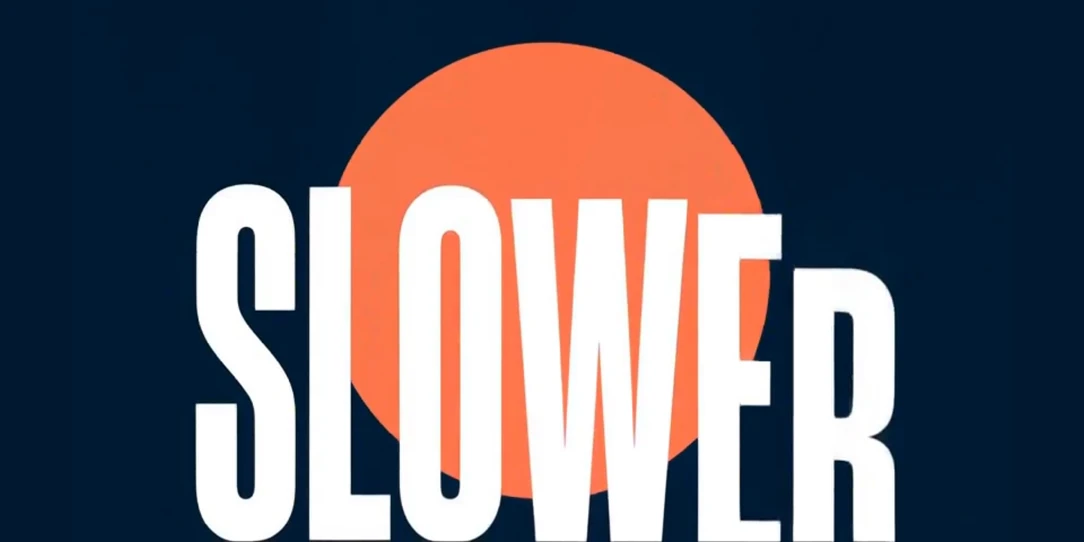
Motion graphics with typography that's actually legible
MiniMax H3 renders text: kinetic typography, UI elements, signage, credits. It's one of the capabilities MiniMax leads with.
What you can build:
→ Flat-vector motion graphics with sound design
→ 3D animations
→ UI and app animations for product demos
→ Explainer shorts with text stamps synced to narration
→ Kinetic typography set to a beat
→ Animated logo reveals on an exact final frame
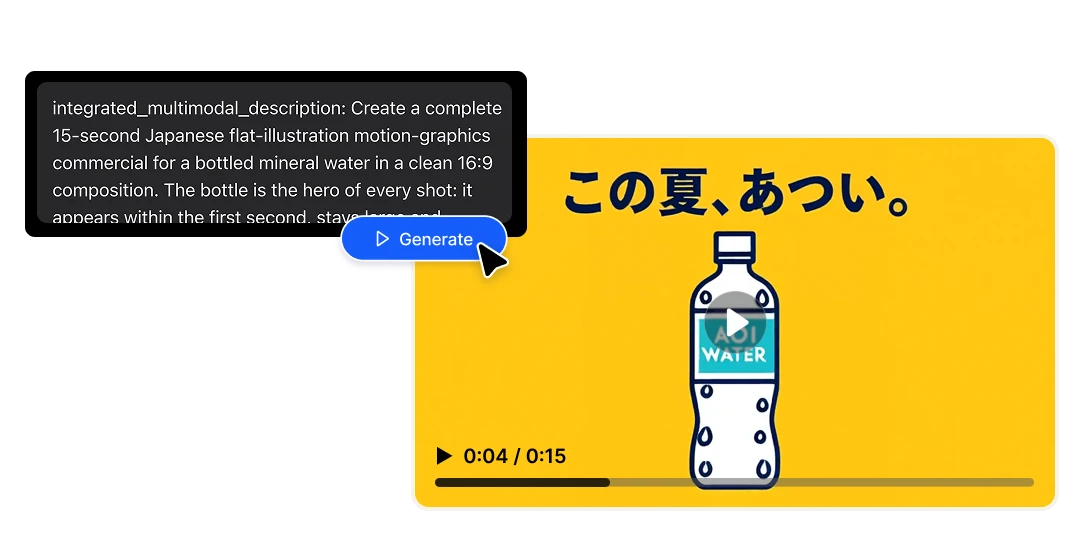
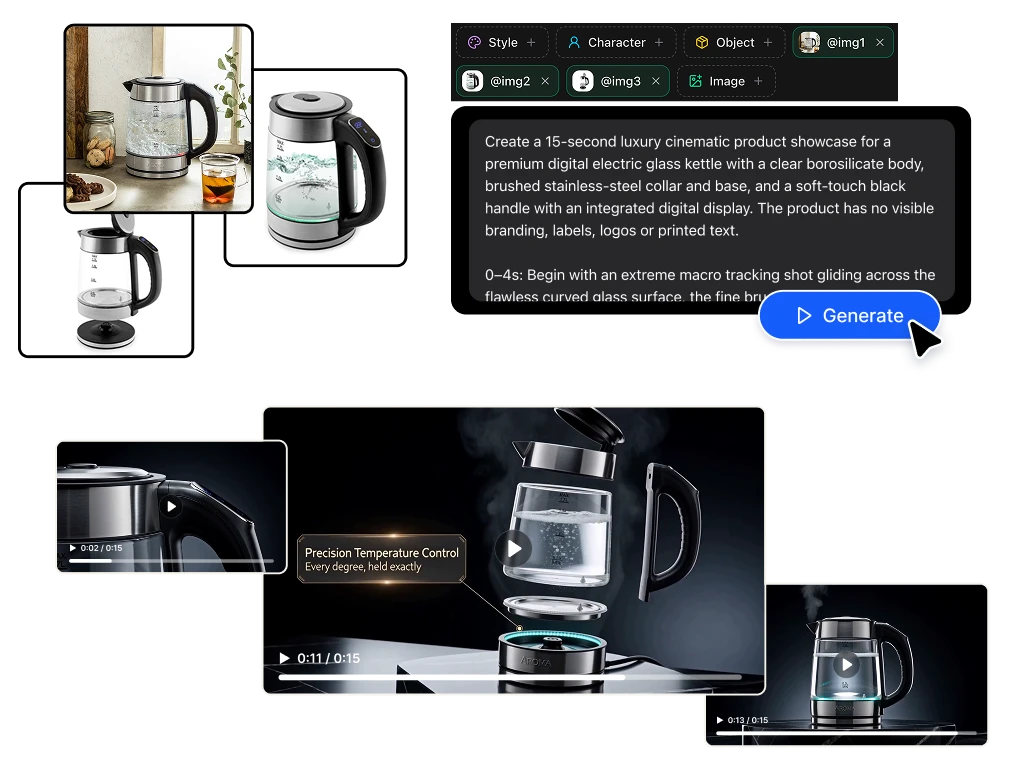
Do a full advertisement with one product photo.
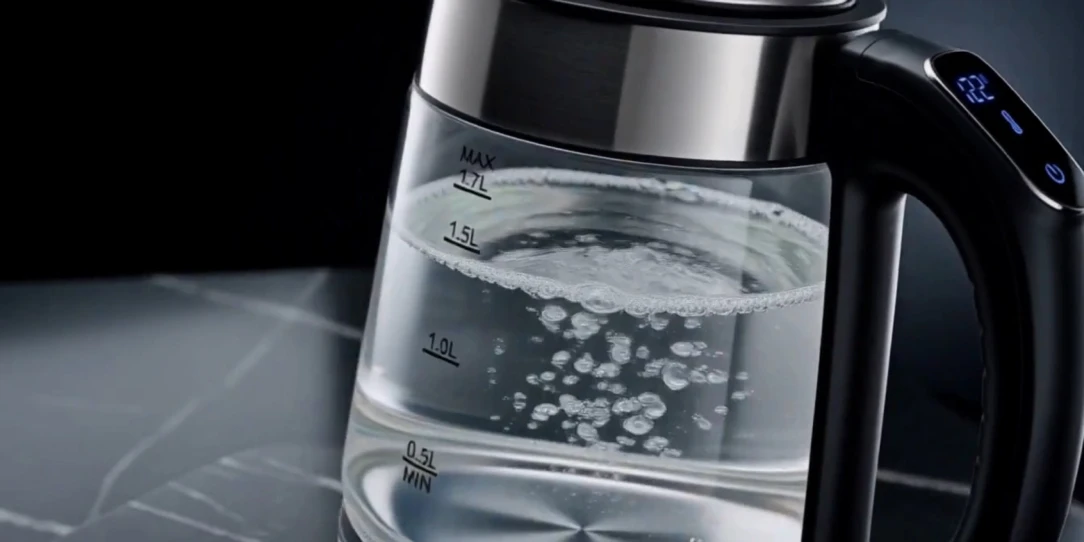
Upload your product shot. MiniMax H3 builds the scene around it and generates the sound: the pour, click and the whoosh. For e-commerce teams is amazing: a minimalist product ad that used to mean a studio booking, now is a reference image.
Where it fits:
→ Minimalist product ads for paid social
→ Lifestyle scenes built around a product photo
→ Variant testing — same spot, ten different framings
→ Marketplace and PDP videos at 9:16, 1:1 and 16:9 from the same brief
→ Seasonal refreshes that reuse the same product reference
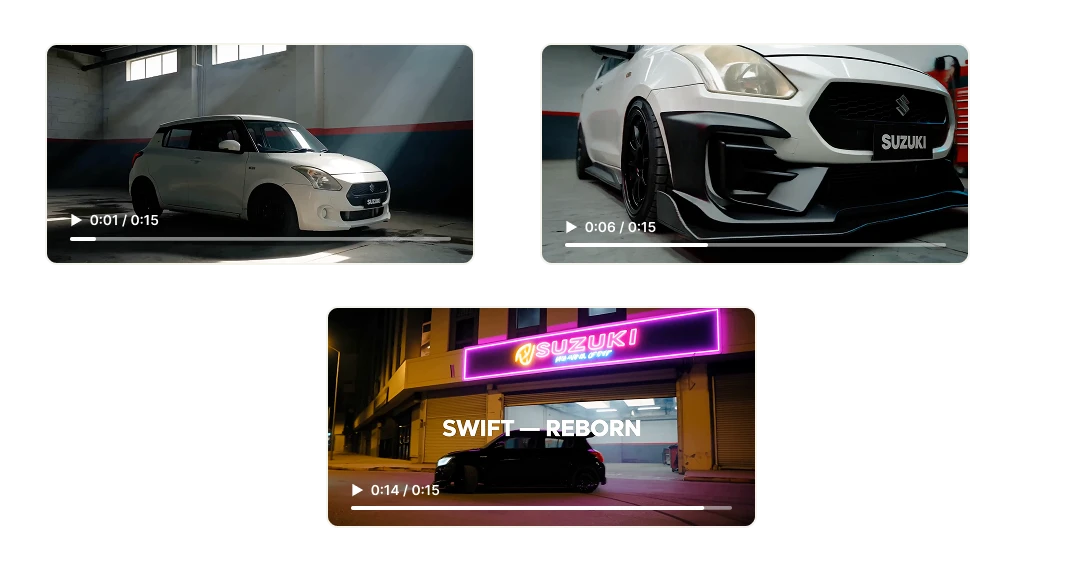
Brand promos & advertising
Fifteen seconds video for a pre-roll, TikTok ad, Reel or a trailer. MiniMax H3 handles multiple shots inside one generation, so a wide, a close-up and a reaction come back as one coherent sequence with consistent characters and lighting — not three clips you stitch and pray about.
Add a voiceover with matching lip-sync, brand-accurate on-screen type, and a score that hits on the cut. That's the spot.
Character-consistent 3D without a render farm
Feed it a character sheet and MiniMax H3 holds identity without changing the face between clips.
With reference-driven generation you can lock appearance and wardrobe. Animated shorts, character intros, stylized 3D CG (computer graphics) sequences, previz for a bigger production.
3D artists can now do concept, previz and client-facing animatics in a couple of minutes, instead of a whole week.
Stop-motion, papercraft & hand-drawn
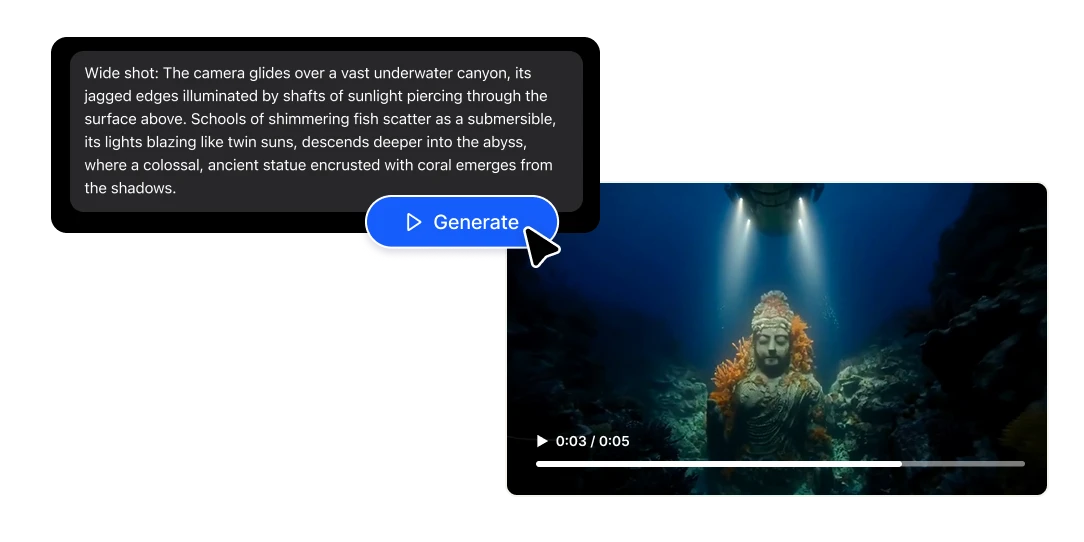
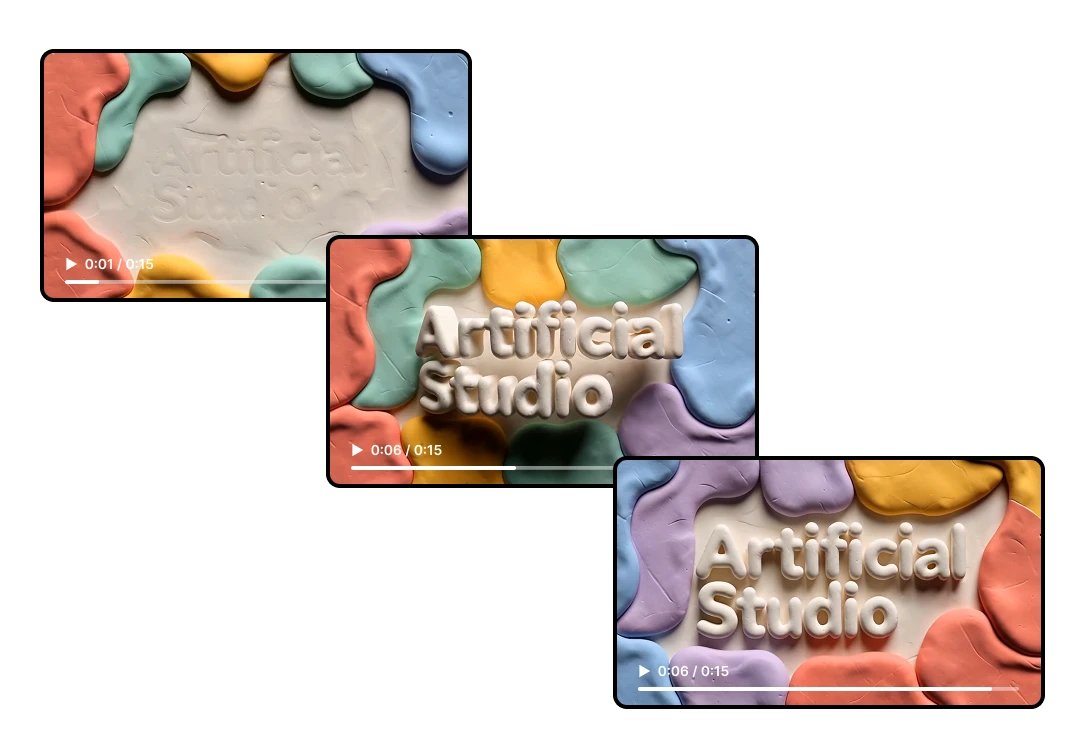
Stop-motion is the most labour-intensive format in animation. A ten-second sequence can mean hundreds of physical adjustments. MiniMax H3 generates the look: papercraft dioramas, cut-paper collage with visible texture, claymation, hand-drawn 2D over live-action plates, halftone print aesthetics, and generates the tactile sound design to match.
For explainer content and brand storytelling, these styles cut through precisely because nobody can afford to make them anymore.
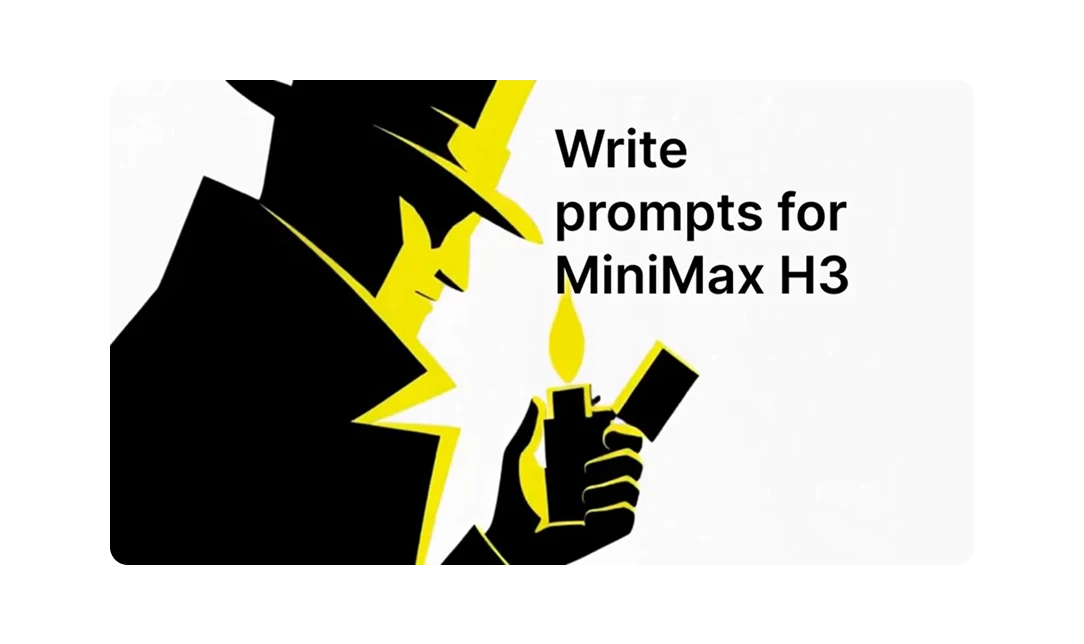
Learn how to write MiniMax H3 prompts that actually work
There's a specific way to write MiniMax H3 prompts, they required fields, a separate lane for dialogue and score, a camera vocabulary, and more.
We read MiniMax's own internal prompting documentation in GitHub and turned it into a full guide, with copy-paste examples.
Benefits
Game intros & UI animation
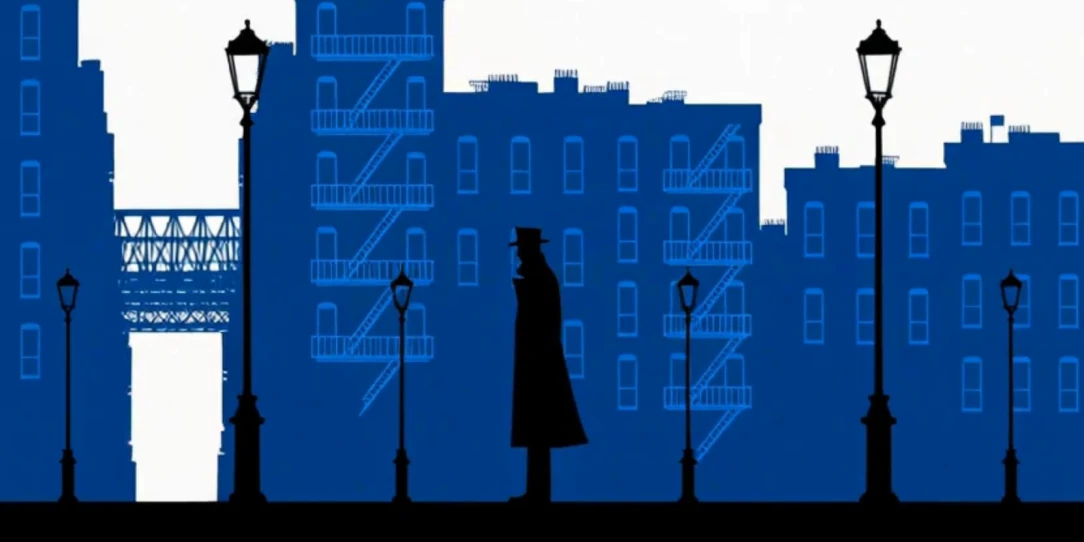
Games need short-form motion: intro animations, co-op menu screens, character select reveals, launch trailers, store page videos.
MiniMax H3 can make legible type, consistent characters and sound design that fits in one video. Game audio is heavily cued (UI click, transition, logo), and those cues get generated in sync.
Built for creative agencies
Clients want to see your pitch deck, and speculative work doesn't bill. MiniMax H3 turns a concept into a 15-second spot before anyone approves a budget.
Test creative directions with the general idea AI generated instead of described.
Offer video without being a video team
If you're a freelancer, marketer or content creator, video has always been the service you had to turn down. Motion design, sound, voiceover and editing are four different skill sets.
MiniMax H3 puts everything inside one prompt box. You can quote almost every work, and keep the margin.
Five ways to use MiniMax H3, depending on how much control you want
Text only
Describe the spot, get the spot. Nothing else needed.
Start with an image
Your image becomes the opening frame and the video develops from there.
Start and end frames
Give it two images and H3 builds the transition between them.
End frame only
The model invents a path that lands exactly on your final image. The logo-reveal workflow.
Full reference mode
Combine up to nine images, three video clips and three audio tracks in one generation to lock identity, motion, camera behaviour, style and voice at once.
FAQs
MiniMax H3 (also called Hailuo 3.0) is a general-purpose multimodal video model released in July 2026. It reads text, images, video and audio as one unified context and generates video with native stereo audio — up to 2K resolution, up to 15 seconds, at 24fps.
Yes. MiniMax H3 is the official model name; Hailuo 3.0 is what most people call it, after MiniMax's Hailuo app. You'll also see Hailuo 03 and Hailuo-03. Note that Kling O3 is a different model from a different company — easy to confuse, not related.
Yes, and this is its headline feature. Dialogue, sound effects, ambience and music are generated together with the picture in a single pass, rather than added in a separate stage. That's what keeps the sound genuinely synced to the action.
4 to 15 seconds per generation. For longer pieces, use the last frame of one clip as the first frame of the next and stitch — a workflow H3 supports directly through its keyframe modes.
Up to 2K, generated at full pixel density inside the model rather than upscaled afterward. It also outputs at lower resolutions if you want cheaper iteration runs.
Yes, and noticeably better than most video models — it's one of the capabilities MiniMax highlights. Titles, signage, subtitles and UI elements come out legible. Keep titles short and type large; very dense small text can still garble.
Yes. Use reference mode and supply the same reference images to each generation. H3 carries face, styling, motion and voice across shots, which is what makes multi-shot narrative work possible.
Yes. Use it as the opening frame, or as a reference the model builds the scene around. It's the most reliable route to a product ad, because the model has a real visual anchor instead of inventing your product.
Different strengths. H3's advantages are one-pass synchronized audio, reference-driven control across up to 12 files, on-screen text rendering, and strong price-performance at 2K. Other models lead on other axes. The practical answer is to run the same brief through a few of them — which is straightforward on Artificial Studio, since they're all in one place.
Videos generated on Artificial Studio can be used in commercial projects under our terms of service. As with any AI-generated content, check the requirements of the platform you're publishing on.
It runs on Artificial Studio credits, billed per second of output. MiniMax H3 is one of the cheapest 2K models available. See the pricing page for current rates.
It works from plain descriptions, but it rewards structure — significantly. Our prompting guide covers the format in full, with examples you can copy.