What makes GPT Image 2 different
Create Images with GPT Image 2
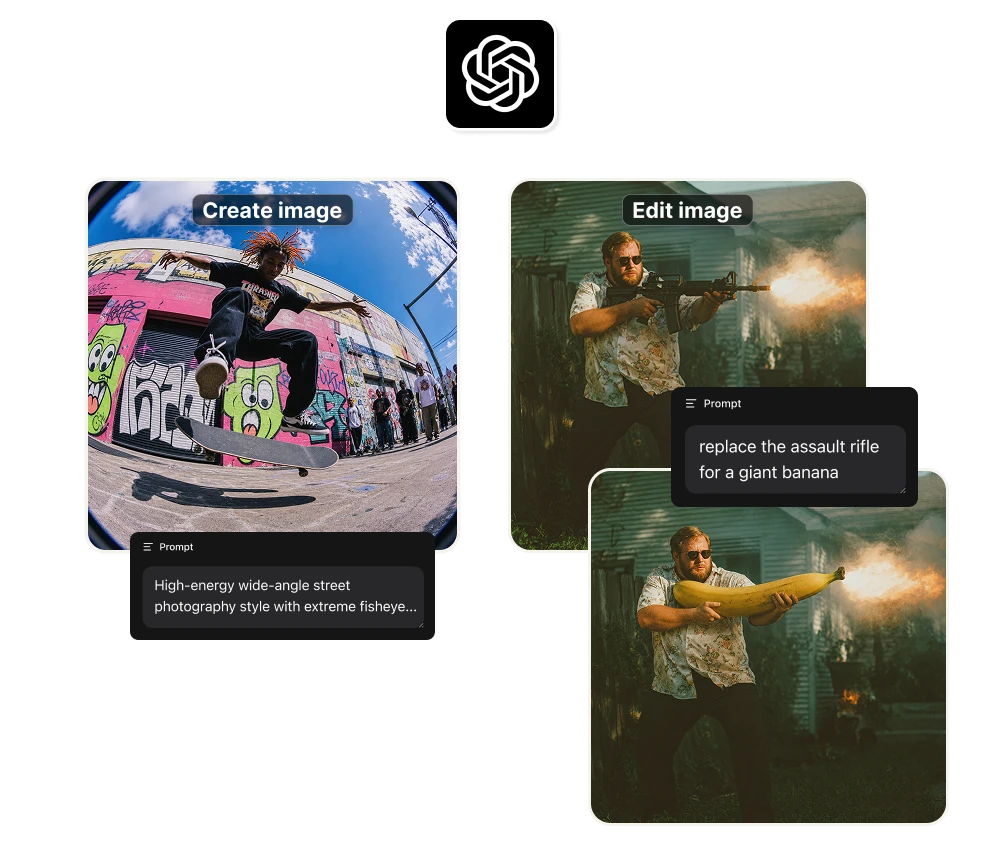
Inside Artificial Studio's Create Image tool, you can switch the model to GPT Image 2 and start generating immediately. No ChatGPT Plus subscription, no API setup, no waiting list.
Use it for:
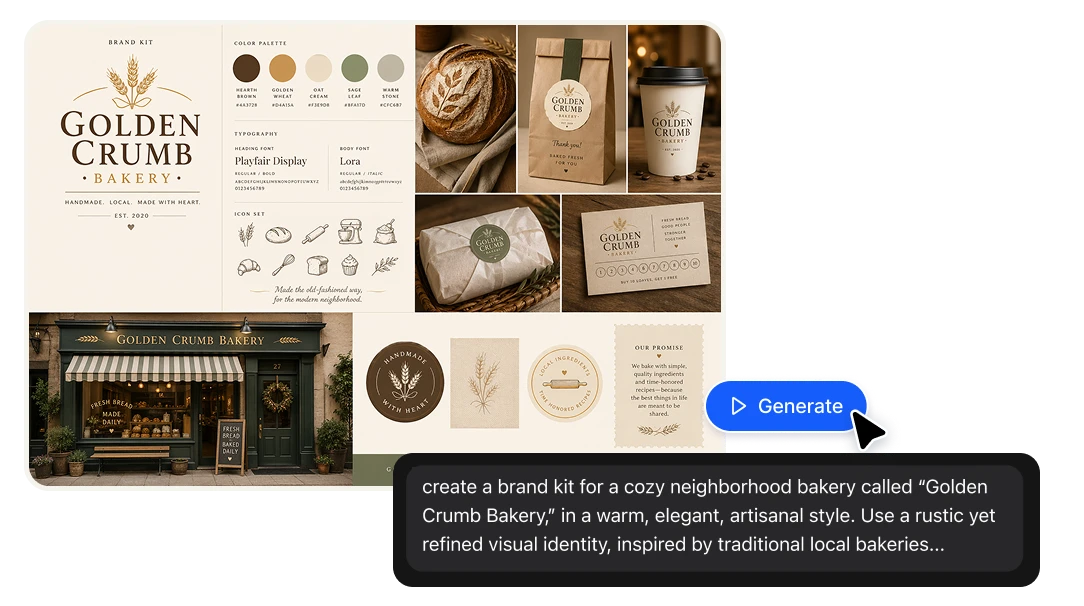
+ Brand kits with consistent typography, color and visual identity
+ Marketing campaigns where text inside the image needs to read perfectly
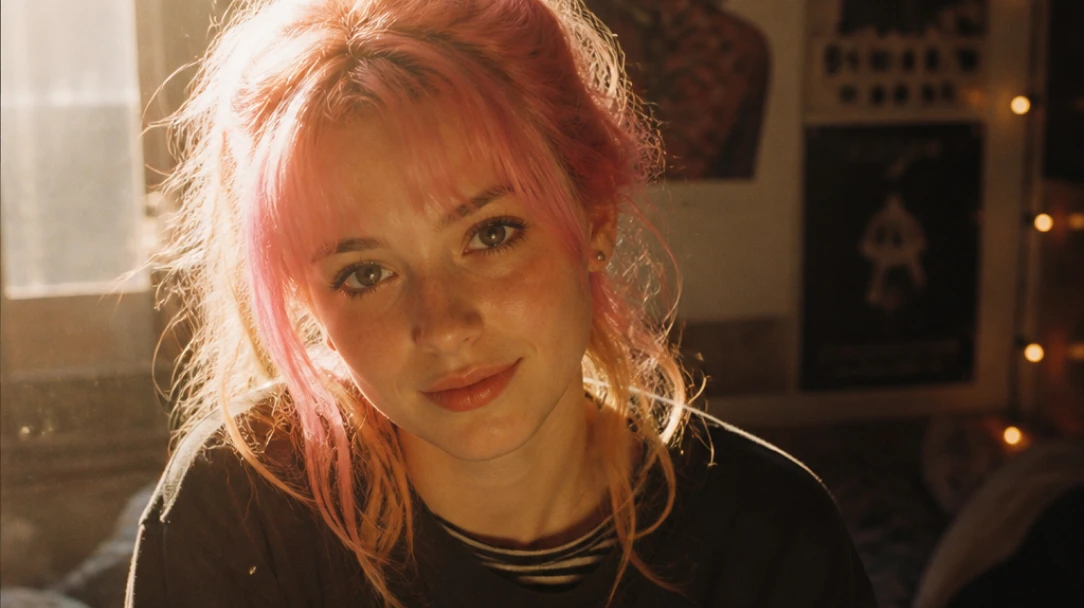
+ Series of images of the same character or product — faces, styles and details stay stable
+ 4K-resolution outputs ready for print, packaging or high-detail digital work
Edit Images with GPT Image 2
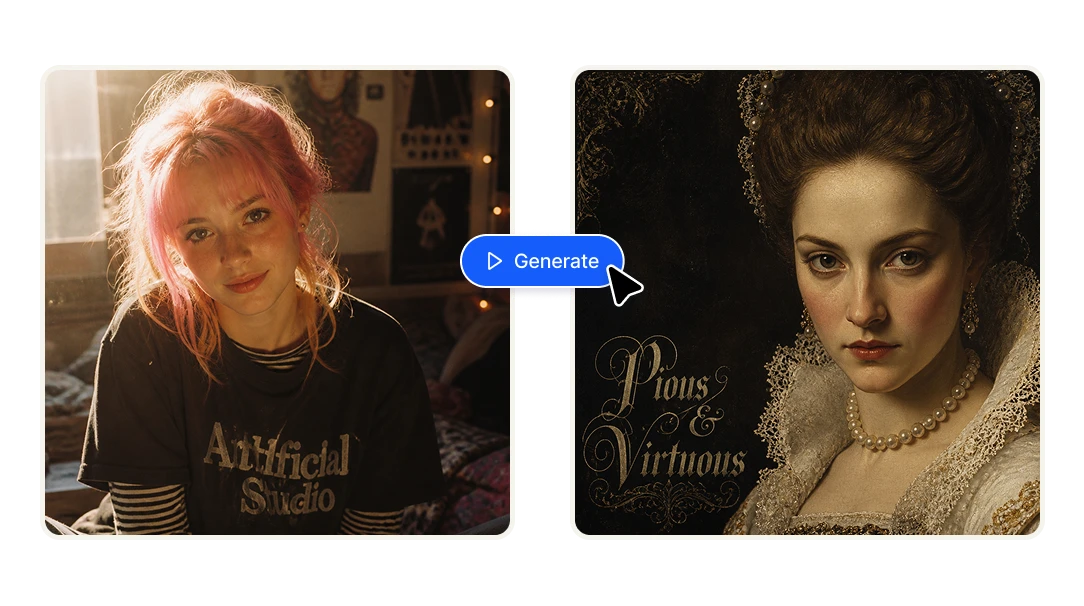
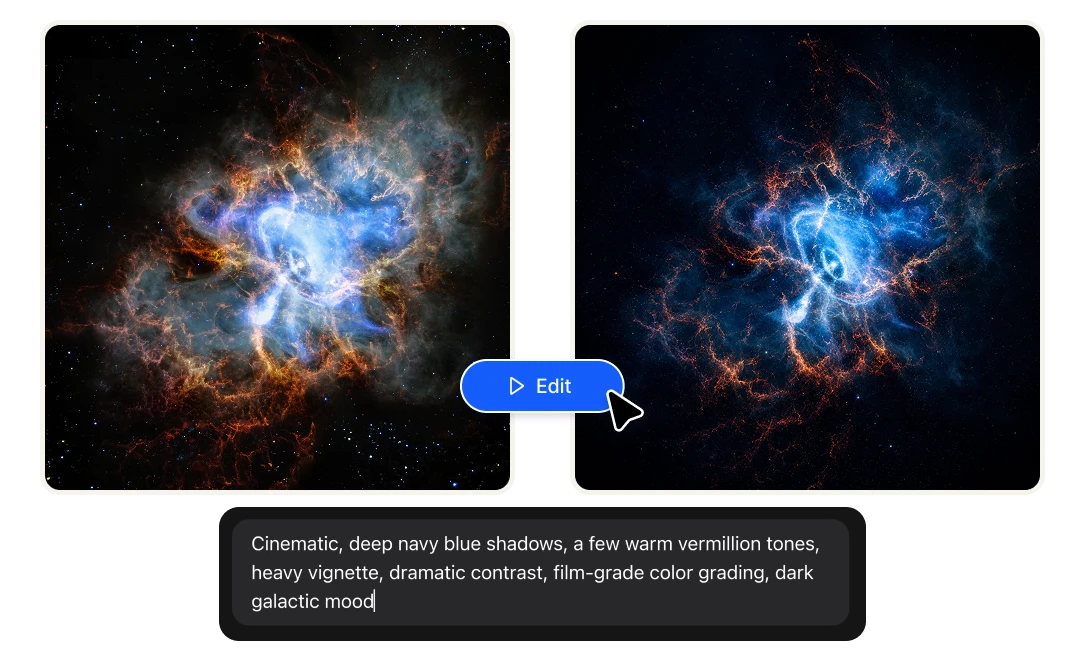
GPT Image 2 isn't just a text-to-image model. It's one of the strongest editing models available — and that's where its reasoning engine really shows. Inside Artificial Studio's Edit Image tool, just upload your image, describe the change, and GPT Image 2 preserves the structure, the lighting, and the brand details while applying exactly what you asked.
Use it for:
+ Editing brand assets without losing palette or typography consistency
+ Multi-turn edits ("now change the background", "now make the text bigger") that stay coherent across rounds
+ Refreshing existing campaigns into new variations
+ Removing or adding elements without rebuilding the whole image
Save your style once. Use it on every image.
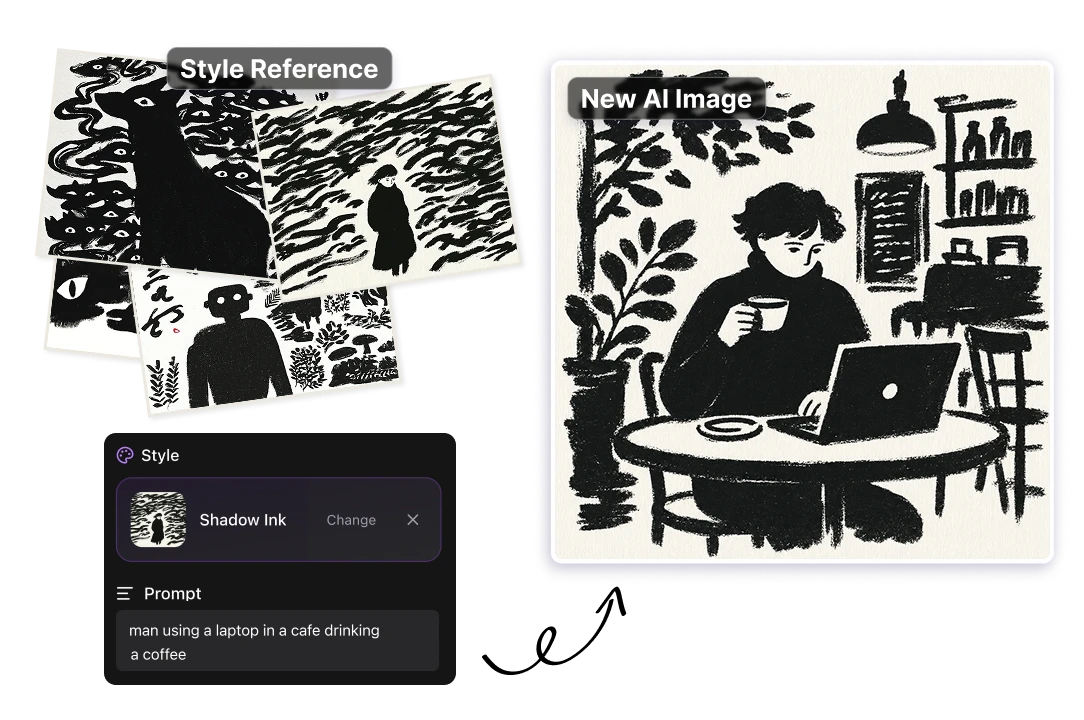
Some aesthetics are impossible to describe in words. Inside Artificial Studio's Create Image tool, GPT Image 2 lets you do something different: instead of writing the style, you show it. Upload your own reference images, pick from styles you've already saved to your library, or use Artificial Studio's curated style presets. GPT Image 2 studies the collection and applies it across every image you generate after that.
Use it for:
+ Locking in a campaign's visual direction with a moodboard
+ Generating asset variations that match an existing photography style
+ Building consistent character, scene or product looks
+ Reusing a style you've saved before — no need to re-explain
+ Letting a client's reference set drive the creative work
Build full brand kits with style consistency
This is where GPT Image 2 quietly outperforms almost every other image model: keeping your brand consistent across multiple images, edits and variations.
Generate a logo, a product shot, or a campaign visual with GPT Image 2 — then generate eight more, and the colors, lighting, perspective and typography stay locked. No re-prompting the palette every time. No drift between variations. No having to stitch the same brand together by hand.
Use it for:
+ Complete brand kits — logo, palette, typography mockups, social templates
+ Product visuals that need to match across SKUs and campaigns
+ Editorial spreads, social posts, packaging mockups
+ Multi-image storytelling where every frame needs to come from the same creative direction
Benefits
Pricing
GPT Image 2 is included in your Artificial Studio plan — no separate ChatGPT subscription. With one Starter plan you can produce roughly 118 images or 130 edits with GPT Image 2 every month — and that same credit pool also unlocks 60+ other AI tools inside Artificial Studio, from image generation to brand kits to video and 3D. Start with 1,300 credits for just $7/month.
What is GPT Image 2?
GPT Image 2 is OpenAI's latest image generation model, released on April 21, 2026. It replaces DALL·E 3 and GPT Image 1.5 as the default image engine inside ChatGPT, and it runs on OpenAI's GPT-5.4 backbone — the same model that powers ChatGPT's reasoning.
Why creators are switching to GPT Image 2
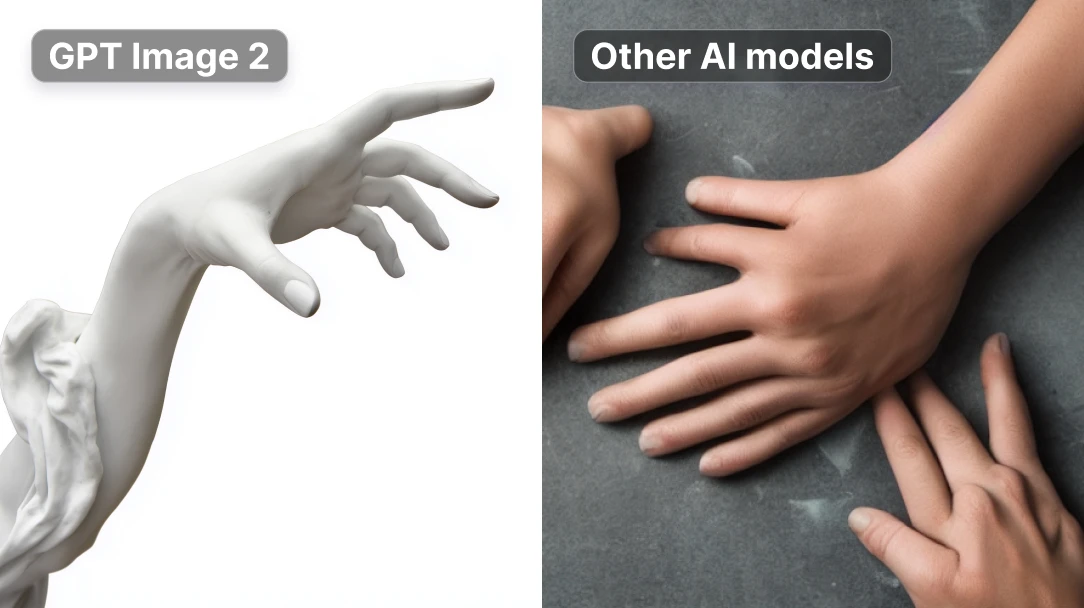
A short list of what GPT Image 2 actually does better than most:
🧠 Reasons before generating ✍️ ~99% text accuracy across Latin, Hindi and Bengali scripts 🎨 Style consistency 📐 4K resolution (4096×4096) for print-ready work ⚡ 2x faster than GPT Image 1.5 🔄 Multi-turn editing 🎯 Brand-aware — preserves brand colors
FAQs
GPT Image 2 is OpenAI's latest image generation model, launched on April 21, 2026. It runs on the GPT-5.4 architecture and is the first image model to use reasoning — it plans the composition before generating.
OpenAI. It replaces DALL·E 3 and GPT Image 1.5 as the default image engine inside ChatGPT and is also available via API to developers and platforms like Artificial Studio.
Yes — through Artificial Studio's free tier you can try GPT Image 2 without paying for a ChatGPT Plus subscription. Sign up and start generating.
GPT Image 2 leads on text accuracy, style consistency and reasoning-based generation. Grok Imagine is faster and cheaper. Midjourney is still best for painterly, stylized art. For brand work, marketing assets and anything where consistency matters, GPT Image 2 is usually the strongest choice.
Yes — and it's one of its strongest capabilities. Upload your image to Artificial Studio's Edit Image tool, select GPT Image 2, and describe the change. The model preserves structure, style and brand details while applying exactly what you asked.
Because it keeps brand details (colors, typography, perspective, lighting) consistent across multiple generations — even when generating many variations at once. You can build an entire brand kit without re-prompting the palette every time.
No. You can access GPT Image 2 directly inside Artificial Studio without any ChatGPT or OpenAI subscription.
GPT Image 2 is available in two tools: Create Image (generate images from text) and Edit Image (modify existing images while preserving style and structure).