What makes Seedream 5.0 different?
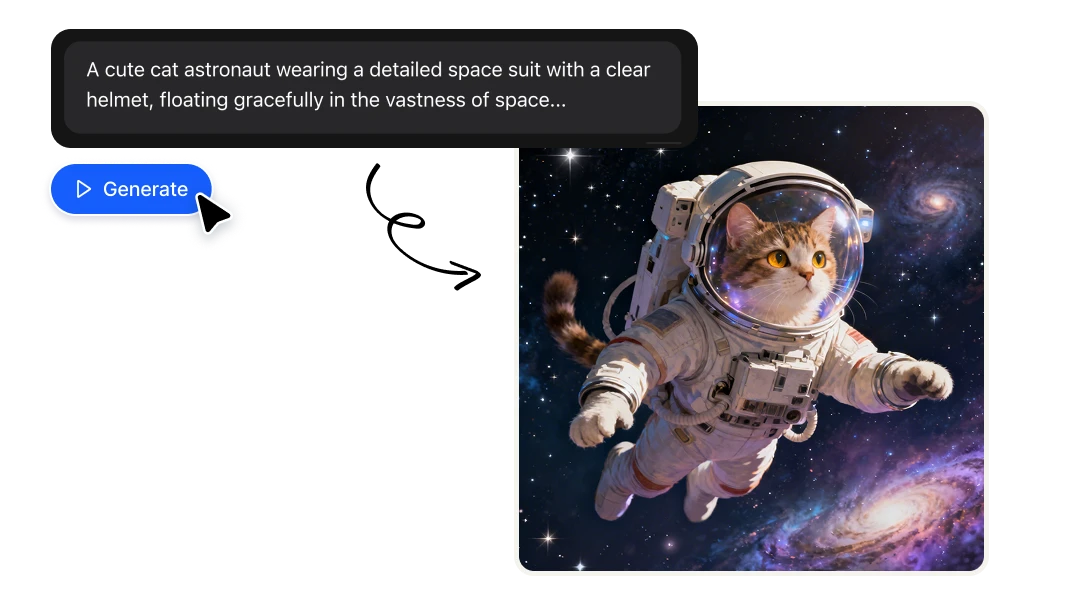
Create Images with Seedream
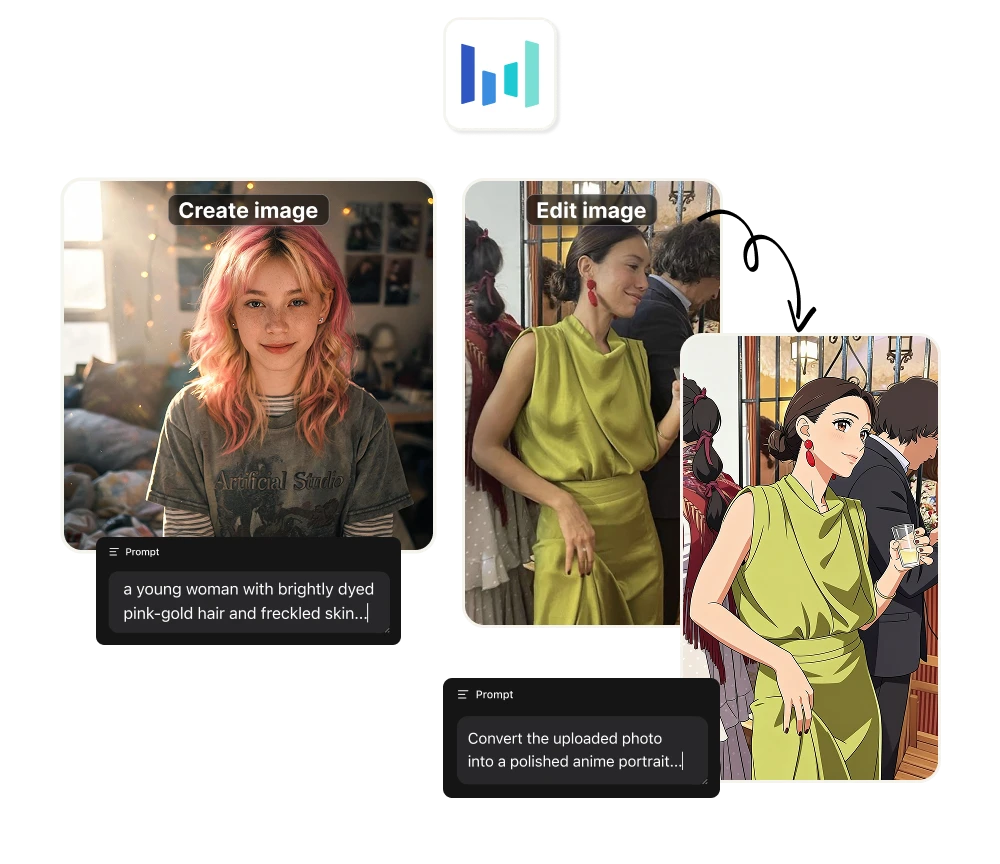
Inside Artificial Studio's Create Image tool, you can pick from three different Seedream versions depending on what you need: 4.0 for solid base generation, 4.5 for the highest realism and aesthetic quality, and 5.0 Lite for reasoning-powered generation with web search built in.
Use it for:
+ Native 4K output (up to 4096×4096) ready for print, packaging, or high-detail digital
+ Fast generation — Seedream outputs sharp images in seconds, not minutes
+ Series of 6 to 15 images at once with unified style and lighting
+ Content-heavy visuals (infographics, news graphics, editorial spreads) when using 5.0 Lite's reasoning mode
+ Photorealistic outputs with natural skin textures, materials and lighting when using 4.5
Edit Images with Seedream
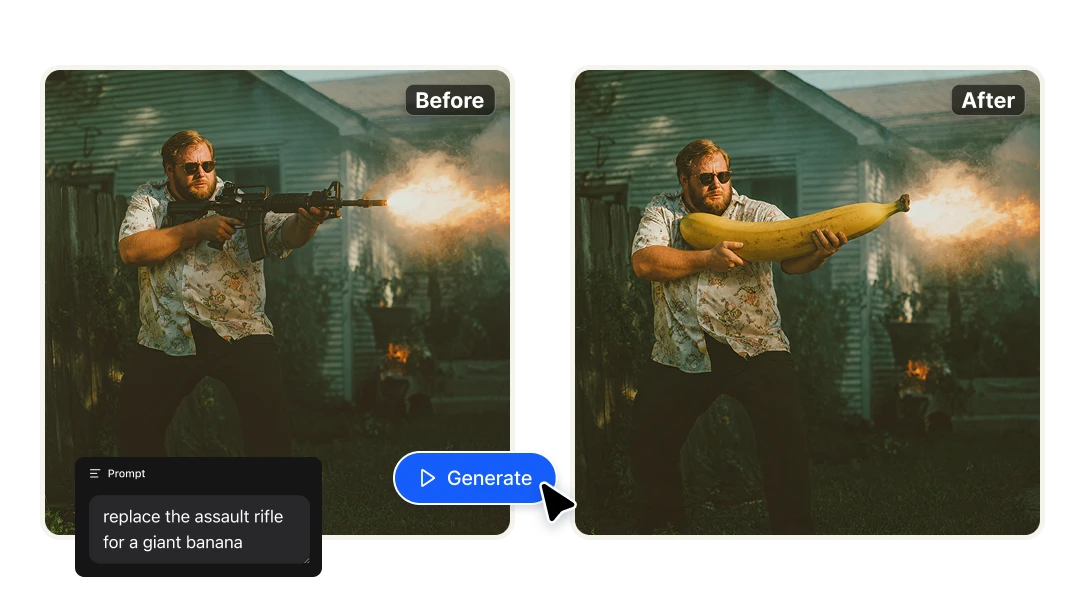
Seedream's editing engine is one of the best-kept secrets in 2026. Inside Artificial Studio's Edit Image tool, you can switch to Seedream 4.0 Edit or Seedream 4.5 and modify any existing image with surgical precision — add, remove or replace elements with a few words, while the model preserves the original style, lighting and structure.
Use it for:
+ Adding, removing or swapping objects without rebuilding the image
+ Multi-image editing with consistent style across the set
+ Refreshing product or campaign assets in 4K
+ Maintaining brand details (palette, typography, perspective) through multiple edits
+ Cleaning up unwanted elements while keeping the scene intact
Save your style once. Use it on every image.
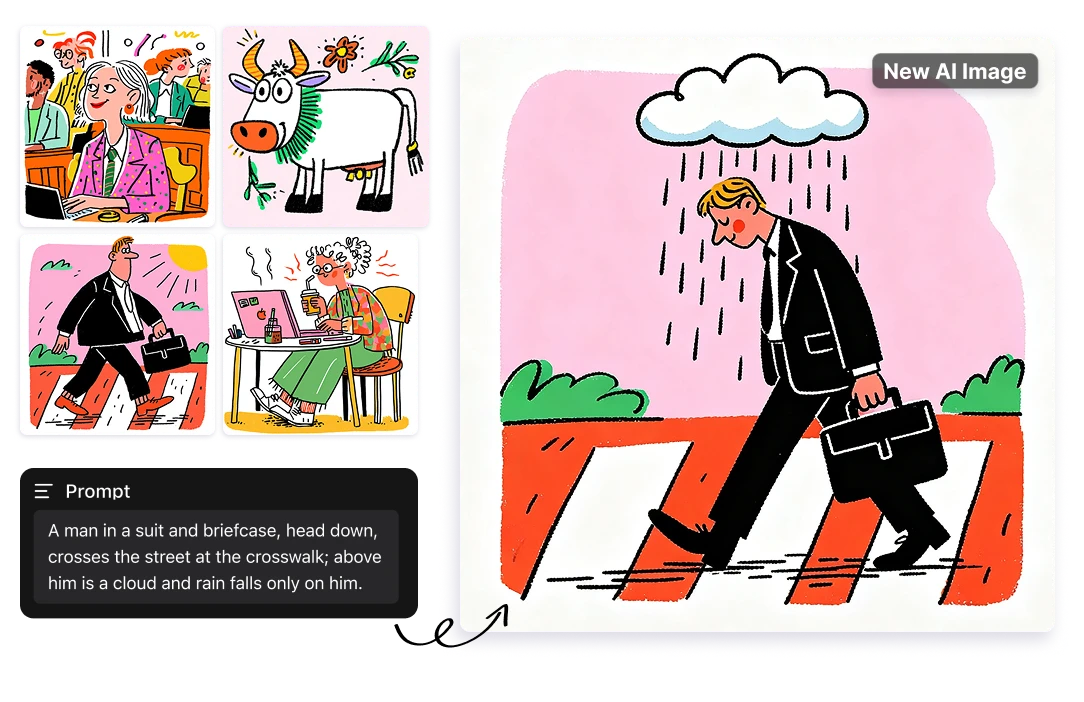
Some aesthetics are impossible to describe in words. Inside Artificial Studio's Create Image tool, Seedream 4.0 lets you do something different: instead of writing the style, you show it. Upload your own reference images, pick from styles you've already saved to your library, or use Artificial Studio's curated style presets. Seedream 4.0 studies the collection and applies it across every image you generate after that.
Use it for:
+ Locking in a campaign's visual direction with a moodboard
+ Generating asset variations that match an existing photography style
+ Building consistent character, scene or product looks
+ Reusing a style you've saved before — no need to re-explain
+ Letting a client's reference set drive the creative work
Turn any 3D model into a finished render
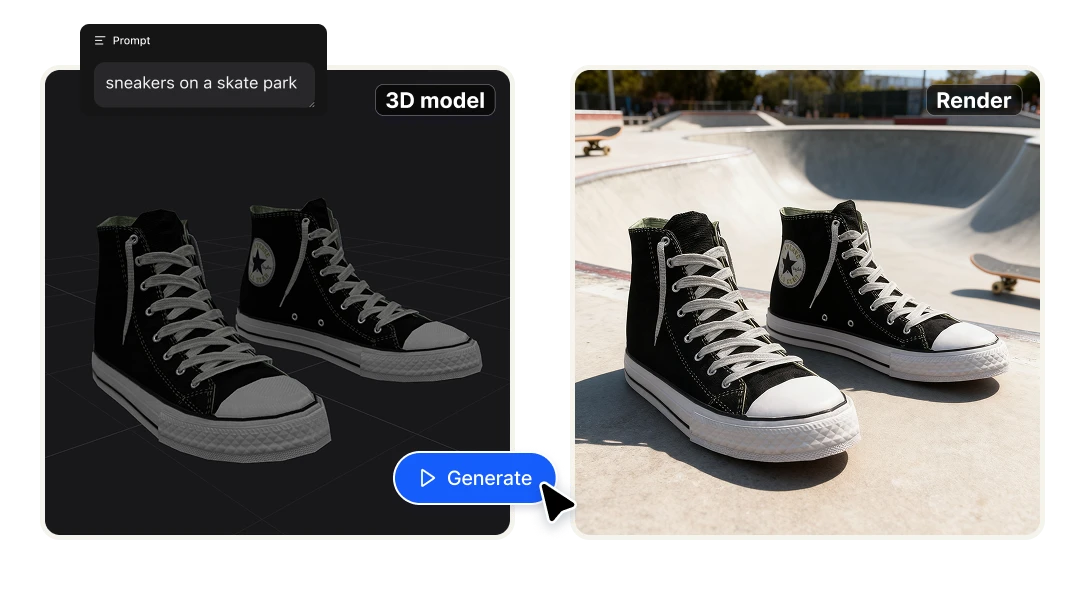
This is where Seedream goes somewhere no other image model goes. Inside Artificial Studio's 3D Model Render tool, you can upload a 3D model, describe the scene you want, and Seedream 4.0 Edit turns it into a photorealistic render — applying lighting, materials, environment and atmosphere with AI.
It works because Seedream has unusually strong spatial understanding — it doesn't just generate images, it understands depth, perspective, and how light interacts with geometry.
Use it for:
+ Product visualizations from a 3D model you already have
+ Architectural renders without firing up V-Ray or Blender
+ Concept art for game assets, characters or environments
+ Packaging mockups with real lighting and depth
+ Quick client presentations of designs still in 3D file format
Benefits

What is Seedream?
Seedream is the family of image generation models built by ByteDance's Seed research team — the same company behind TikTok. Three versions are available inside Artificial Studio: Seedream 4.0: text-to-image and editing in one model. Seedream 4.5 (December 2025) — the visual-first upgrade. Better prompt adherence. Seedream 5.0 Lite first Seedream model with real-time web search, deep reasoning before generating. Best for content-heavy work where understanding matters more than pure visual polish.
Why Seedream stands out
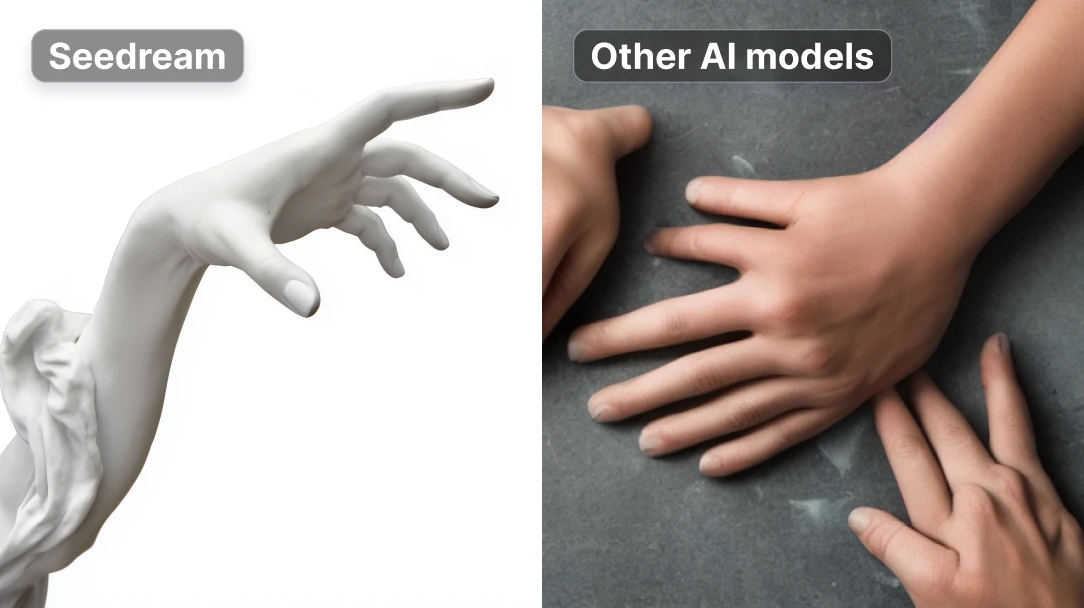
Each top AI image model in 2026 solves a different creative problem. Seedream is ByteDance's most ambitious image engine — built for native 4K output, fast generation, and unusually strong spatial understanding. It's the only model in this group that turns 3D files into photorealistic renders inside the same platform, and one of the few that handles 6 to 15 image batches with consistent style and lighting.
There's no single "best" model. Seedream wins for anything that needs 4K resolution, batch consistency, or spatial / 3D-aware work — exactly the kind of jobs that turn into client deliverables.
Pricing
With one Starter plan you can produce, in any mix you want, up to 216 images with Seedream 4.0, 162 images with Seedream 4.5, or 185 images with 5.0 Lite every month. Editing and 3D rendering pull from the same credit pool — so you can split your month however your work demands.
And that same credit pool also unlocks 60+ other AI tools inside Artificial Studio: Grok Imagine, GPT Image 2, Kling video, brand kits, and the rest.
FAQs
Seedream is a family of image generation models developed by ByteDance — the company behind TikTok. The model series includes Seedream 4.0, 4.5 and 5.0 Lite, each tuned for different creative jobs.
ByteDance's Seed research team. They've been building one of the most-deployed image generation engines in 2026, used across film, e-commerce, advertising and presentation workflows.
Yes — through Artificial Studio's free tier you can try Seedream without paying for a ByteDance subscription. Sign up and start generating.
Seedream 4.0 is the original unified model (generate and edit in one). 4.5 is the visual-first upgrade — sharper aesthetics, more realism, better multi-image consistency. 5.0 Lite is the reasoning upgrade — adds real-time web search and step-by-step reasoning before generating, best for content-heavy work.
Yes — both Seedream 4.0 Edit and Seedream 4.5 are available inside Artificial Studio's Edit Image tool. They preserve style, lighting and structure while applying the changes you describe.
Yes — inside Artificial Studio's 3D Model Render tool, Seedream 4.0 Edit can take a 3D model file, a scene description, and generate a photorealistic render with applied lighting, materials and atmosphere. It's one of Seedream's most unique capabilities.
Seedream is the fastest and most spatially aware of the three, with native 4K output. GPT Image 2 leads on reasoning and text accuracy. Grok Imagine is the cheapest and quickest for basic work. For 3D-aware work and batch consistency, Seedream wins.
No. You can access Seedream directly inside Artificial Studio without any ByteDance or TikTok-related subscription.
Seedream is available in three tools: Create Image (versions 4.0, 4.5 and 5.0 Lite), Edit Image (versions 4.0 Edit and 4.5), and 3D Model Render (Seedream 4.0 Edit).